
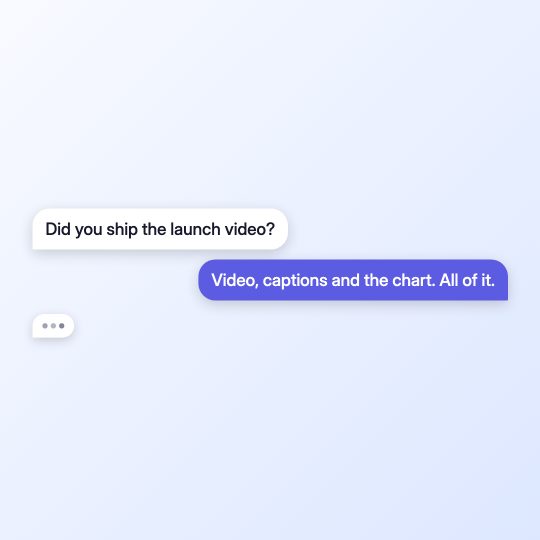
Chat Bubbles
FreeConversation that types itself: typing dots, then the bubble pops. Perfect for testimonial and storytime formats.
Production-ready Remotion templates for videos, apps and agents. Pick a template, customize it to your brand, and render in minutes.
Conversation that types itself: typing dots, then the bubble pops. Perfect for testimonial and storytime formats.
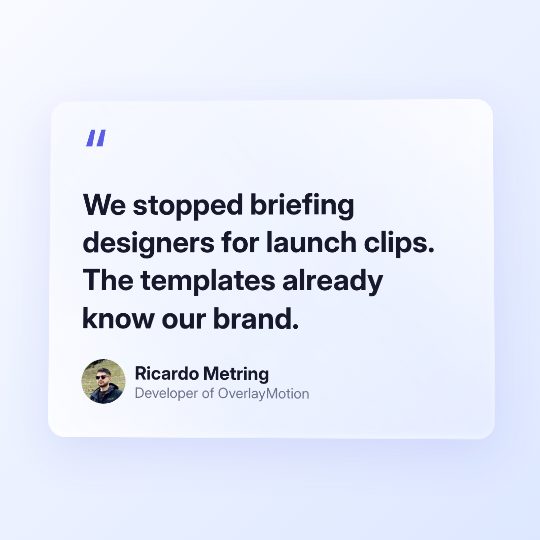
Testimonial with weight: oversized quote mark (swappable for your own SVG) and four text entrances via animateIn: wrapped lines, words dropping into place, character typewriter, or blurred words settling into focus. Spec time.appear sets how fast the whole card lands, time.hold how long it stays; a pull-out camera widens as the card enters.
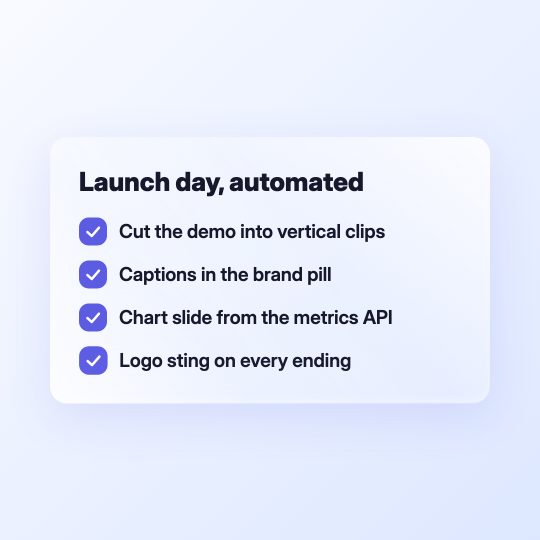
Steps land one by one, each check drawing itself. Give steps word-level timestamps from a transcript and they tick as the speaker says them.
A cursor clicks Like, fills the Phosphor thumb with a radial tada, then clicks Subscribe and lands on Subscribed with a matching confirmation burst.

Kinetic full-screen opener. Words spring in one by one, a bar grows, the subtitle settles. The classic first 2 seconds of a branded video.
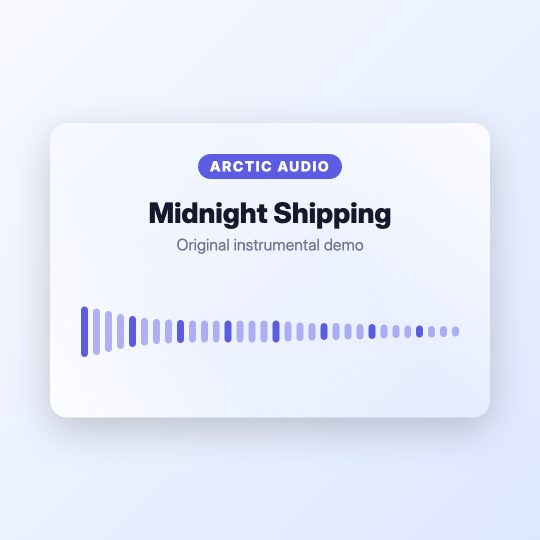
Music, podcast, or voiceover clip card: live waveform reacting to the actual audio, track title, logo chip. Feed it an audio file, get a shareable clip.

A rotating orthographic world with optional layers, pulsing coordinates, animated routes, and a dot or solid Phosphor plane traveler.
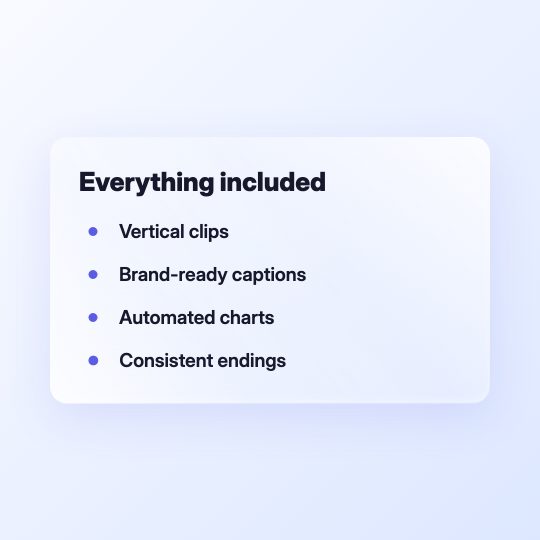
List items land one by one with simple round bullets. Add word-level timestamps to sync each item with the speaker.
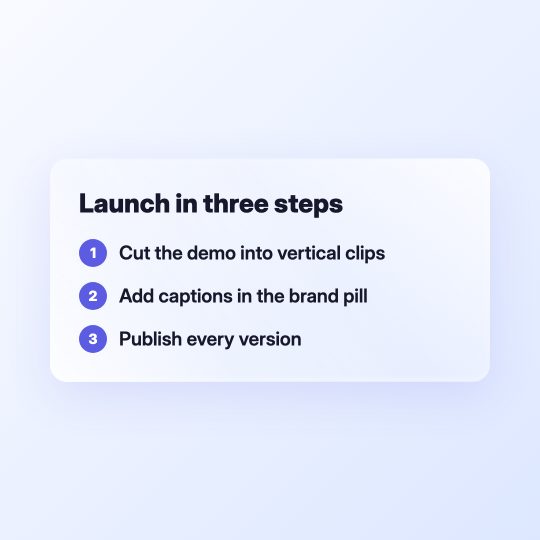
Steps land one by one with clear numbered markers. Add word-level timestamps to sync each item with the speaker.
A real logo or generated monogram lands with overshoot and ripples; optional name/tagline settle below. Set showName false for a compact gesture-anchored mark.
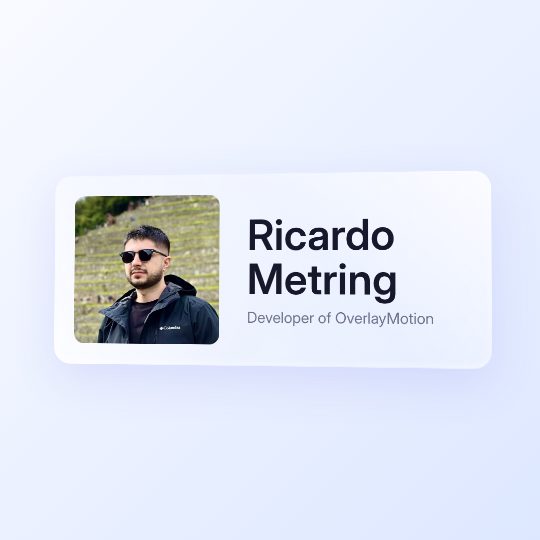
Person intro with presence: a solid card surface, rounded portrait, and oversized name. Leaves quietly by default with a blur-out (blur + lift); exit sound stays available by naming a cue in the exitSfx prop.
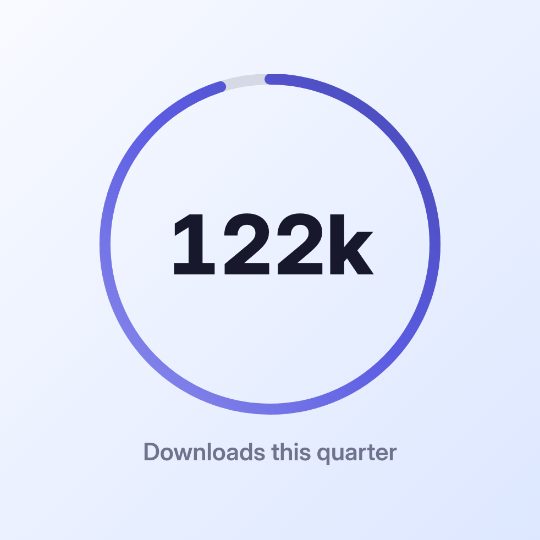
One number, told well. Smooth count-up with a gradient and synchronized ticking, as a big hero ring or a compact corner badge. For subscribers, revenue, growth.
Browse titles, social overlays, charts, captions, audio visuals, and brand moments. Every template is ready to restyle and render.
Describe the edit in plain English; OverlayMotion gives your agent the tools.
Clean the dialogue and strip hum, hiss and room noise for clear, focused audio.
Animated titles, callouts and lower thirds that wear your brand.
Readable captions timed to every spoken word, styled to match your video.
Remove dead air and tighten pacing without losing meaning.
Place b-roll and inset clips neatly beside the speaker while they talk.
Clean subject cutouts without a green screen, ready to composite anywhere.
OverlayMotion is brand new, so the fastest way to learn what it can do is to join our Discord, ask about capabilities, and share what you want to make. I'll help you generate your first few videos.
Join DiscordGet help with your first videos

Join the Discord and tell me what you want to make. I'll help you get your first videos working fast.
Ricardo, OverlayMotion creator
What OverlayMotion does, what it costs, and where AI fits.
No. Video generation models invent every frame from a prompt. OverlayMotion gives your AI agent precise, reusable Remotion tools to edit footage and build motion graphics from code. Results stay fast, editable, and consistent with your brand.
The Core library is free. Instead of paying a video model to generate every second, you only pay for the tokens your coding agent uses. That makes repeated edits and variations far cheaper than generative video. Founder Support is an optional $197 one-time purchase.
OverlayMotion Core is source-available: you can inspect and modify the code, and use it for your own personal or commercial work. Its Sustainable Use License limits resale and commercial redistribution of the source itself. Premium template packs and support are sold separately. Read the Core license
Describe the edit in plain English. Your agent chooses a template, writes a small spec, applies your content and brand tokens, then renders the result with Remotion.
Yes. Change colors, type, timing, layout, motion, sound, captions, and aspect ratio. Because the output is code-driven, you can revise any detail without starting over.
Yes. Videos you render are yours to use in personal, client, and commercial projects. Template source is covered by its license and cannot be resold or redistributed as a competing library. Read the license